Bevy template
Preview Bevy and Rust
From an empty Bevy starter folder to a game on Vapour. If you have not yet, read the templates overview first.
1. Make the folder
vapour login --token vpr_...
vapour template bevy "My Game"
cd my-game
You now have empty src and assets folders, your settings file and your store page files.
2. Add your game
The template has no Rust project in it. Put your game in this folder: a Cargo.toml, your code in src, and your art and sound in assets.
The quickest way to see a complete Bevy project that already runs in the browser is the Bevy tutorial, which uses a real sample you can copy.
3. Set up the web build
Bevy games are built for the web with a tool called Trunk. Install it and the web target once:
rustup target add wasm32-unknown-unknown
cargo install --locked trunk
If Trunk will not install on your computer, install a ready-made copy from your package manager instead. It would not compile on one recent Linux computer we tried, while a ready-made copy worked.
Then tell Vapour how to build. Open vapour.toml and set the build to use your own command and an output folder. The
tutorial shows the exact lines to use, and the reference explains each setting.
Choose an output folder that does not hold your own files. The usual choice is
dist. Build tools can empty their output folder.
4. Make the browser version
vapour build
5. Try it
vapour test
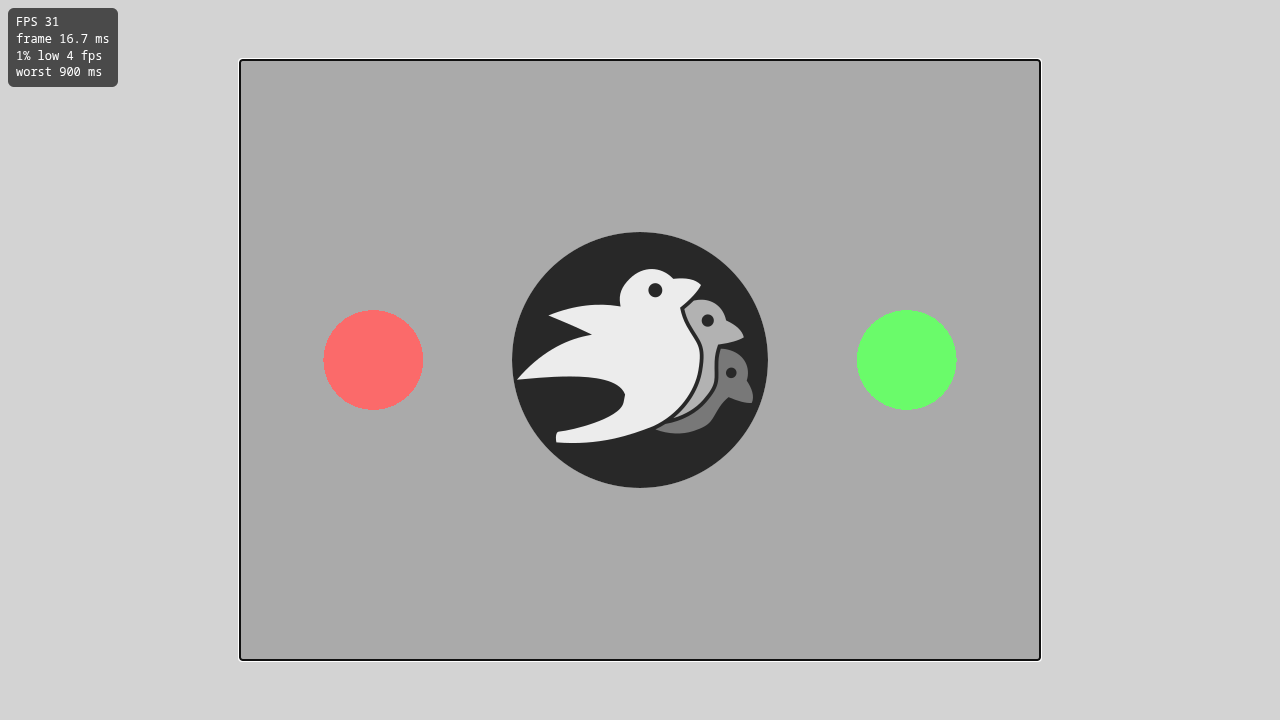
The sample game from the Bevy tutorial, with the speed counter on.
See Understand your game's performance to read what the performance page shows.
6. Publish
vapour publish --dry-run
vapour publish
A small Bevy game packs to about 10 MiB, far inside the 512 MiB limit.